
Muse Book
Save a portrait once and give it a name. Every print after that is a single tap — no digging through the camera roll again.
ArtLive turns one saved portrait into AI photos and short motion clips. Pick a mood, a light and a lens, read the exact recipe before it prints, then walk away — the press brings every print back to you.
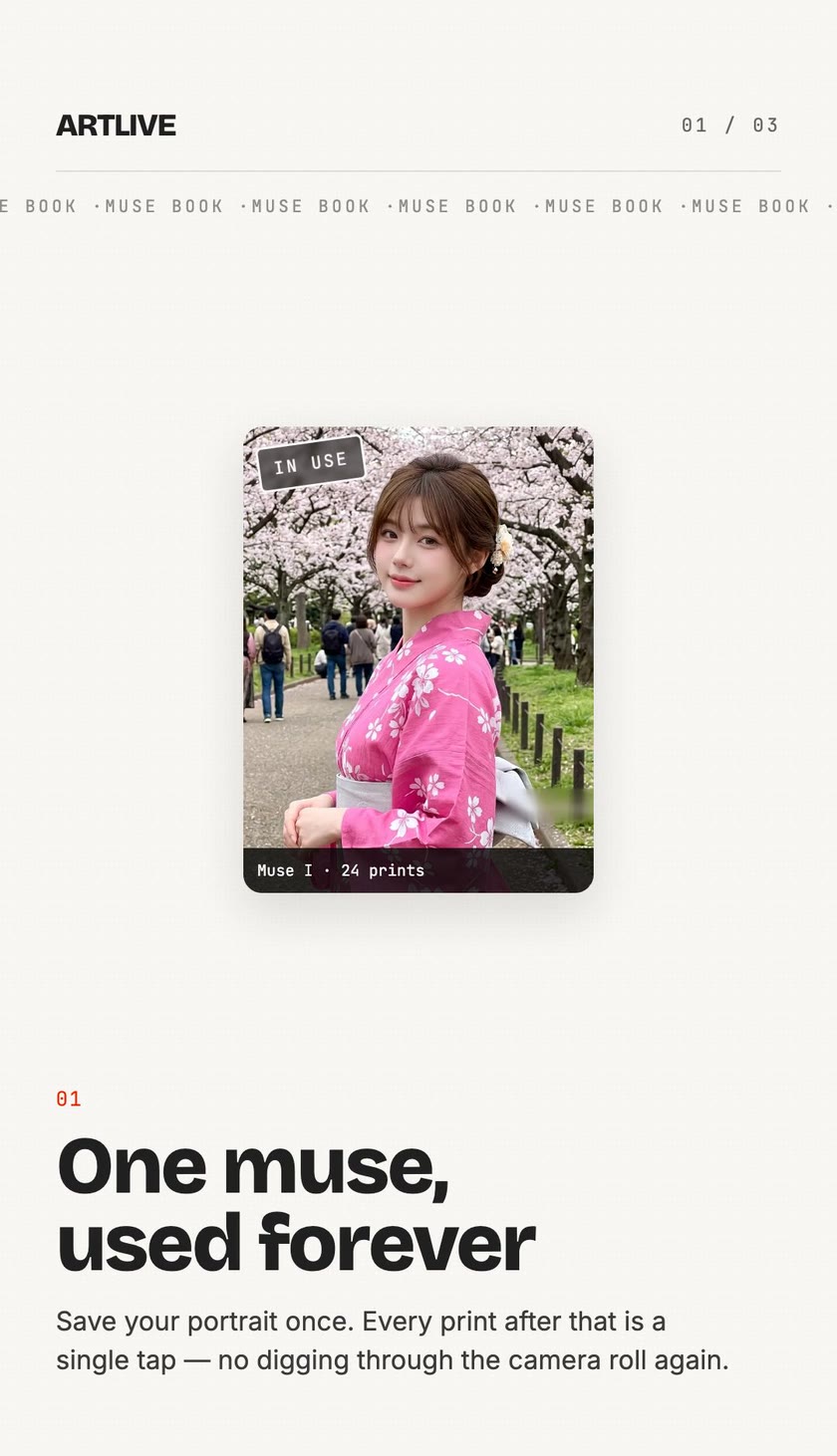
Every print starts from your portrait and a recipe you can read. Nothing hidden, nothing to set up twice.
Save a portrait once and give it a name. Every print after that is a single tap — no digging through the camera roll again.
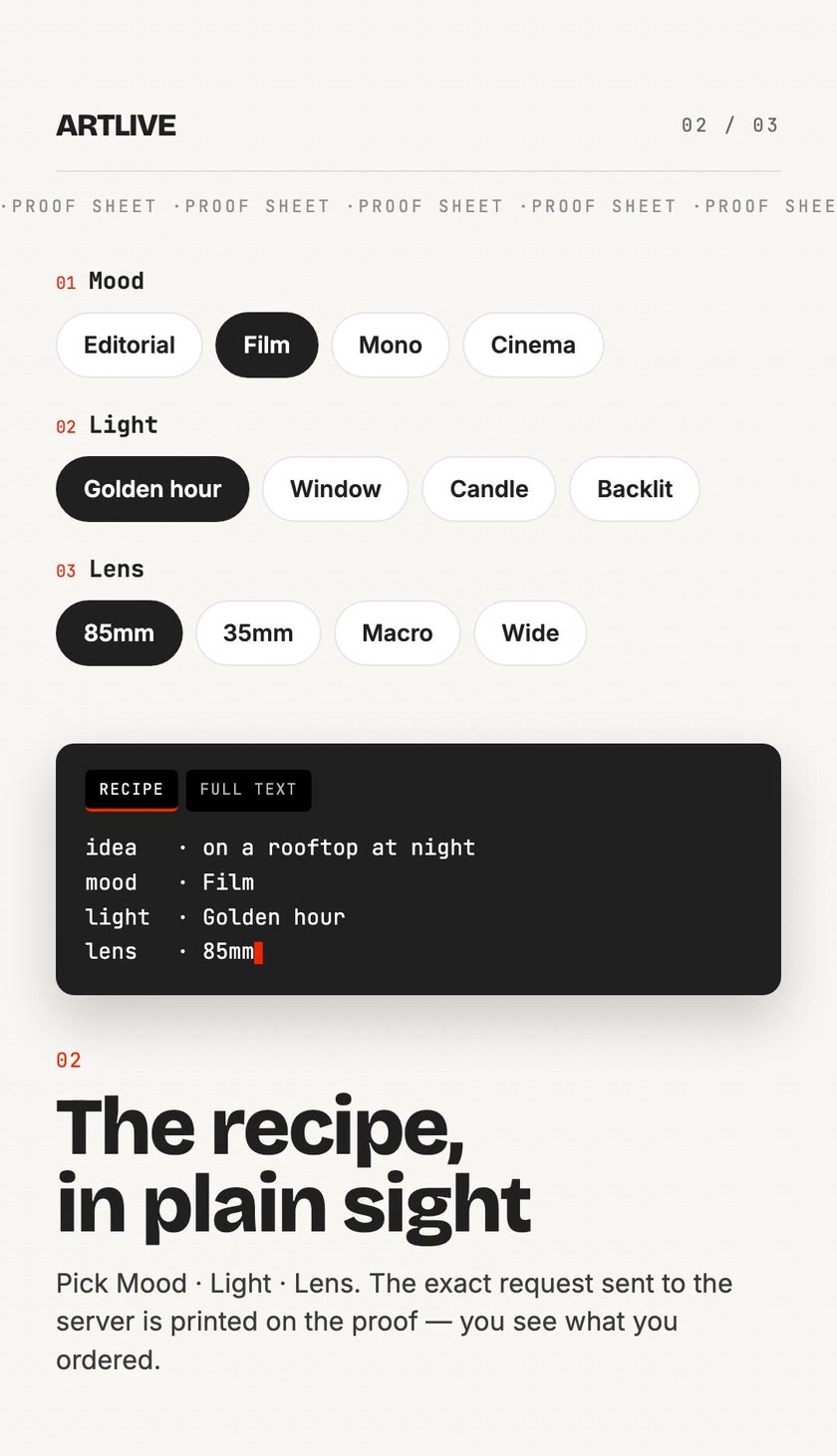
Three ingredient bars — Mood, Light and Lens — combine with your idea into one prompt. Pick as many or as few as you like.
Before anything prints, the recipe ticket shows idea · mood · light · lens — you see exactly what you ordered.
Out of ideas? Ask for a suggestion, or run one of the House recipes as is — no ingredients needed.
The Desk deals a random recipe every visit. Roll again until one feels right, then print it.
Browse this issue's collection and the full archive of templates — some for one subject, some for two people together.
Turn a frame into a take: add a first frame, an optional last frame and a direction, then roll a 5, 8 or 10 second clip.
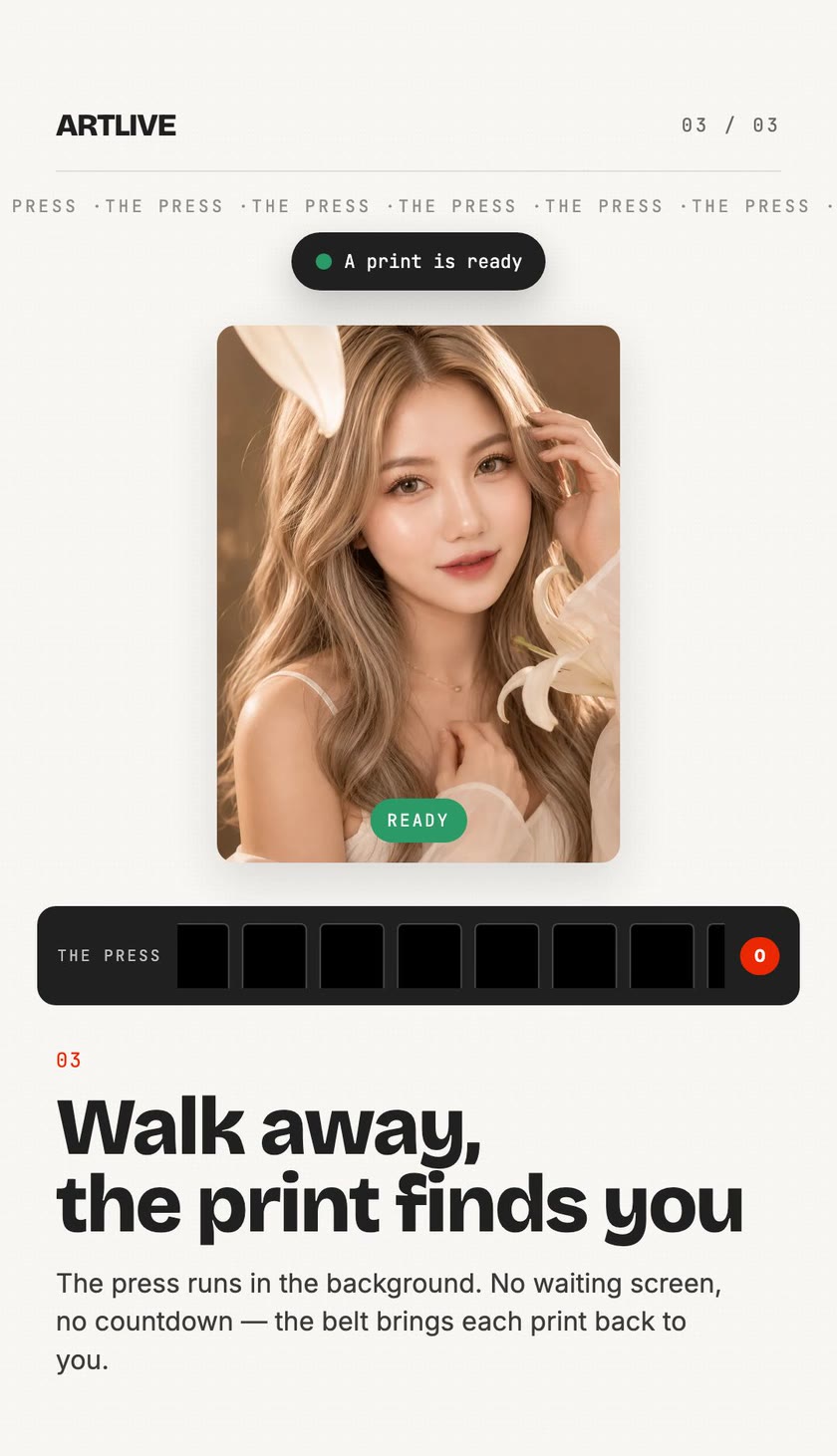
Prints develop in the background on a belt at the bottom of the screen. Keep browsing — you'll hear when a print is ready.
Every photo and motion clip you made, in one place. Filter by photos or motion, save to Photos, or clear out the ones you don't want.
Pick Mood · Light · Lens. The exact request sent to the server is printed on the proof — you see what you ordered.
The press runs in the background. No waiting screen, no countdown — the belt brings each print back to you.
Energy powers every print. It arrives free with every daily check-in — packs exist only for people who'd rather not wait.
Check in once a day to collect free energy. No purchase needed.
Each print shows its energy cost before you send it. Video costs more than a photo.
Optional one-time energy packs, charged once to your Apple Account. Nothing auto-renews, nothing is subscribed.
The Ledger lists energy in and out; Receipts lists every pack you bought.
Your Muse Book lives on your iPhone. A portrait is uploaded to our studio server only when you send a print to the press, and it is never shared anywhere else.
Saved portraits are kept locally. Uploading happens only for the print you ask for.
Adult (18+) content, slurs and hate speech are stopped before they reach the press.
One button in Settings removes your prints, muses and energy for good.
Full details in our Privacy Policy and Terms of Service.
Templates, prompts and everything the studio writes arrive in the language you pick in Settings. Light, dark or system appearance — your choice too.
Energy that didn't arrive, a print that went wrong, a privacy or data-deletion request, a content report or a copyright notice — email us and we'll get back to you.
[email protected]